Routing by the App That Opened the URL
You can set a condition based on the application that passed the URL to Preferis. For example, you can use different profiles for the same URL depending on whether it was opened from Slack or from Teams.
Settings
You can use the application's ID or the application's path as a condition.
As with the host and URL, you can compare the value with is, starts with, ends with, contains, matches, and matches regex.
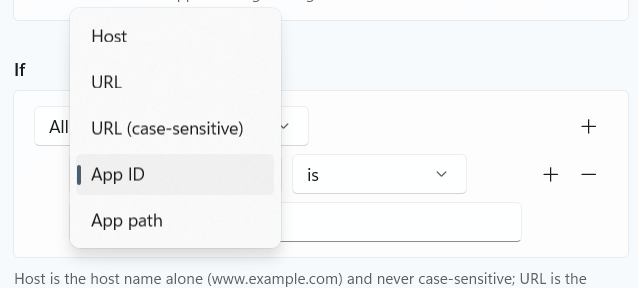
App ID: the application's ID
On Windows, specify the Application User Model ID of a packaged app. For example, Windows Terminal is Microsoft.WindowsTerminal_8wekyb3d8bbwe!App. For regular Windows desktop applications, use App path below instead.
On macOS, specify the bundle identifier. For example, Slack is com.tinyspeck.slackmacgap.
App path: the application's path
Specify the path to the application's executable. For example, a value looks like C:\Program Files\Microsoft VS Code\Code.exe on Windows and /Applications/Slack.app on macOS.
Windows and macOS share the same App ID and App path settings. The ID and path formats differ between the two and never overlap, so there are no OS-specific settings.